

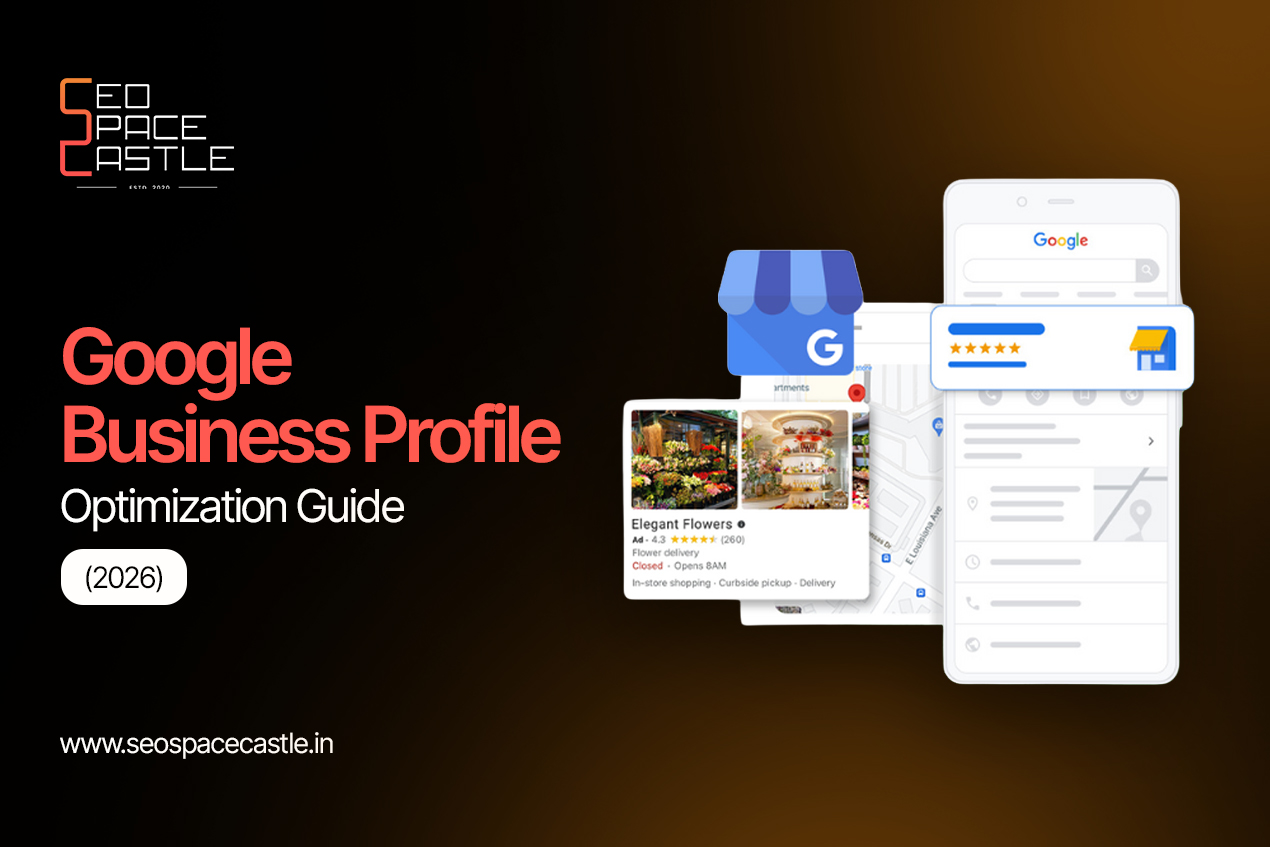
When people require a local service, they typically turn to Google as their first port of call. They search for businesses, examine reviews, get comparison data and make decisions about potential suppliers. If your business does not show up in these searches, you could lose out on new clients.
This is where Google Business Profile optimisation comes in. It allows businesses to provide the correct information, create trust with customers, and make it easier for them to find the business using Google Search or Google Maps.
Whether you run a shop, a clinic or a business that provides services, this guide shows you how to reach your goals for the improvement of your Google account by the year 2026.
What Is Google Business Profile Optimisation?
A Google Business Profile is a no-cost listing that provides necessary information about your business on Google Search and Maps. This may include your address, telephone number, hours of operation, pictures, services provided and the ratings of your business by customers.
For Google Business Profile Optimisation, you need to maintain accurate, complete and useful information for users of this profile.
It is also an essential component of local SEO as it helps Google understand what your business does and connects it with pertinent local queries.
Why Does Google Business Profile Optimisation Matter in 2026?
An optimised profile allows your customers to get informed about your company before their visit to your website or contacting you.
The importance of this point is as follows:
- Improved local visibility: Your company will show in relevant searches on Google Maps.
- Higher number of queries: Such customers may either call you, visit your website or ask for directions right on the profile.
- Greater trust: A profile update, reliable photos and true reviews will assure customers in their choice.
- Higher chances to reach local customers: An optimised profile can help you be listed in local packs of businesses that appear in the search results.
It is vital to remember that good optimisation does not guarantee the first place within the list.
7 Steps to Optimise Your Google Business Profile
1. Complete Your Business Information
Get started with the fundamentals. Confirm the correctness of your company name, address, contact number, website, and working hours.
Pick the appropriate category and use the services you provide. Take the following into account:
- Use your real company name.
- Select an accurate primary category.
- Supplement with relevant secondary categories where required.
- Edit your operating time for holidays and other special days.
Complete information will help your customers comprehend your offering.
2. Complete Google Business Verification
Before your listing can be managed fully, you need to make sure that you have the authority to represent the business.
The method of Google Business verification depends on the options available for your profile.
In case you want to verify your profile, you need to sign in to your Google account linked to your profile.
One of the ways to verify your profile is via a Google business postcard, but not all businesses have access to postcards.
If mail verification is offered by Google, you can request your code and insert it when your Google postcard arrives.
Make sure to avoid changing key information about your business when waiting for the postcard, as this may delay the verification process.
3. Use Relevant Keywords Naturally
Keywords help describe your business and services, but they should never make your profile look unnatural.
For effective google my business seo, focus on terms that match what customers search for.
For example, a bakery in Pune might naturally mention its location and products in its business description.
You can:
- Write a clear business description.
- Add accurate services and products.
- Use relevant service terms on your website.
- Keep your business name free from extra keywords.
Good gmb seo is about helping customers understand your business, not repeating the same phrase everywhere.
4. Add Real Photos and Regular Updates
Photos give customers a better idea of what to expect. Add clear pictures of your workplace, team, products or completed work.
You can also share updates about new services, events, seasonal offers and important announcements.
For better GMB optimisation, keep your photos genuine and your information current. Avoid uploading misleading images or making claims you cannot support.
5. Collect and Respond to Google Reviews
Customer feedback plays an important role in building trust. Ask customers to share honest feedback after using your products or services.
Make it a habit to respond to Google reviews, whether they are positive or negative.
- Thank customers for positive feedback.
- Respond calmly to complaints.
- Address genuine concerns where possible.
- Never buy reviews or offer rewards in exchange for them.
Consistent review management supports your reputation and forms an important part of local SEO.
6. Improve Your Website and Local SEO
Your Google Business Profile and website should support each other.
Make sure your website clearly explains your services, location and contact details. Add useful content that answers the questions your customers commonly ask.
Strong local SEO also includes building relevant local links, keeping business details consistent across trusted directories and creating helpful location-specific pages where appropriate.
These efforts can support your Google Maps visibility and overall local search presence.
7. Review Your Profile Performance
Optimisation is not a one-time task. Check your profile regularly and look at the performance information available to you.
Pay attention to:
- How customers find your profile.
- Website clicks and calls.
- Requests for directions.
- Customer reviews and enquiries.
Use these insights to understand what is working and where you can improve.
Good gmb seo combines regular updates with a clear understanding of customer behaviour.
Common Google Business Profile Mistakes to Avoid
Even small mistakes can affect your profile’s quality. Avoid these common issues:
- Adding keywords to your business name unnecessarily.
- Choosing an incorrect business category.
- Leaving opening hours or contact details outdated.
- Ignoring customer reviews.
- Creating duplicate profiles.
- Using fake addresses or misleading business information.
A consistent approach to Google Business Profile optimisation is better than trying shortcuts that could put your listing at risk.
Final Thoughts
Your Google Business Profile is often one of the first places customers learn about your business. Keeping it accurate, active and helpful can improve your local visibility and make it easier for people to contact you.
From Google Business verification to review management, every step helps build a stronger online presence. Focus on useful information, genuine customer feedback and regular improvements rather than quick ranking tricks.
Want to Improve Your Local Visibility?
At SEO Space Castle, we help businesses strengthen their online presence through practical local SEO strategies and professional Google Business Profile optimisation. From profile setup and verification guidance to keyword research, review management and ongoing improvements, we focus on helping your business reach the right local audience.
Let’s make your business easier to find. Get in touch with SEO Space Castle to discuss your local SEO goals.
